Build games.
Play them with friends.
Fall apart spectacularly.
A free game engine with its own Studio, Player and online platform. Real physics, ragdolls that come apart, Lua scripting and multiplayer, ready to go.
What's new in 0.7.2: Feature CreepEvery update »
- Emotes: /e dance, an emote wheel, and emotes to buy in the catalog
- Particles: ParticleEmitter, Fire, Smoke and Sparkles
- ClickDetectors: click a part to make things happen
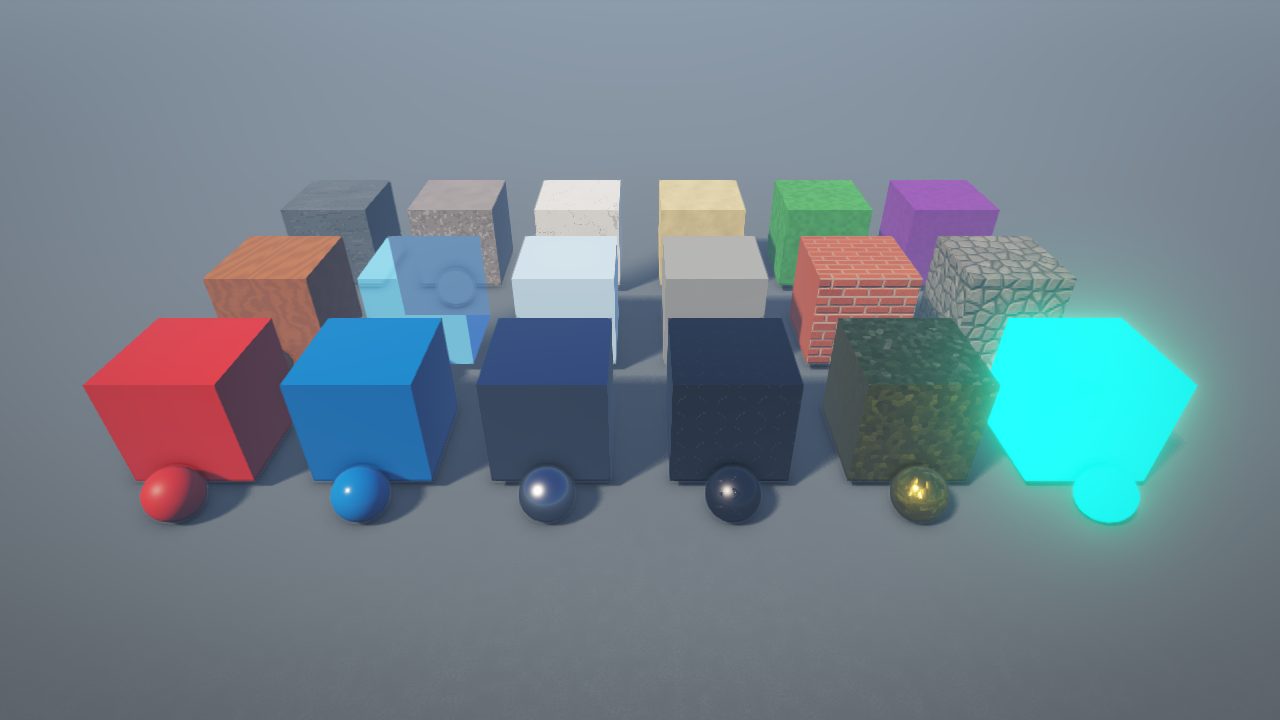
- Eleven new materials, like Brick, Marble and Diamond Plate
- Three new joints: ball sockets, sliders and more
- Collision groups and team-only doors
- Skies and screen effects: bloom, blur, colour grading, sun rays
- Camera control: cutscenes, locked first person and more
- Multiplayer testing in Studio with up to 4 players
- Gifts, gift boxes and Exclusive items
The engine
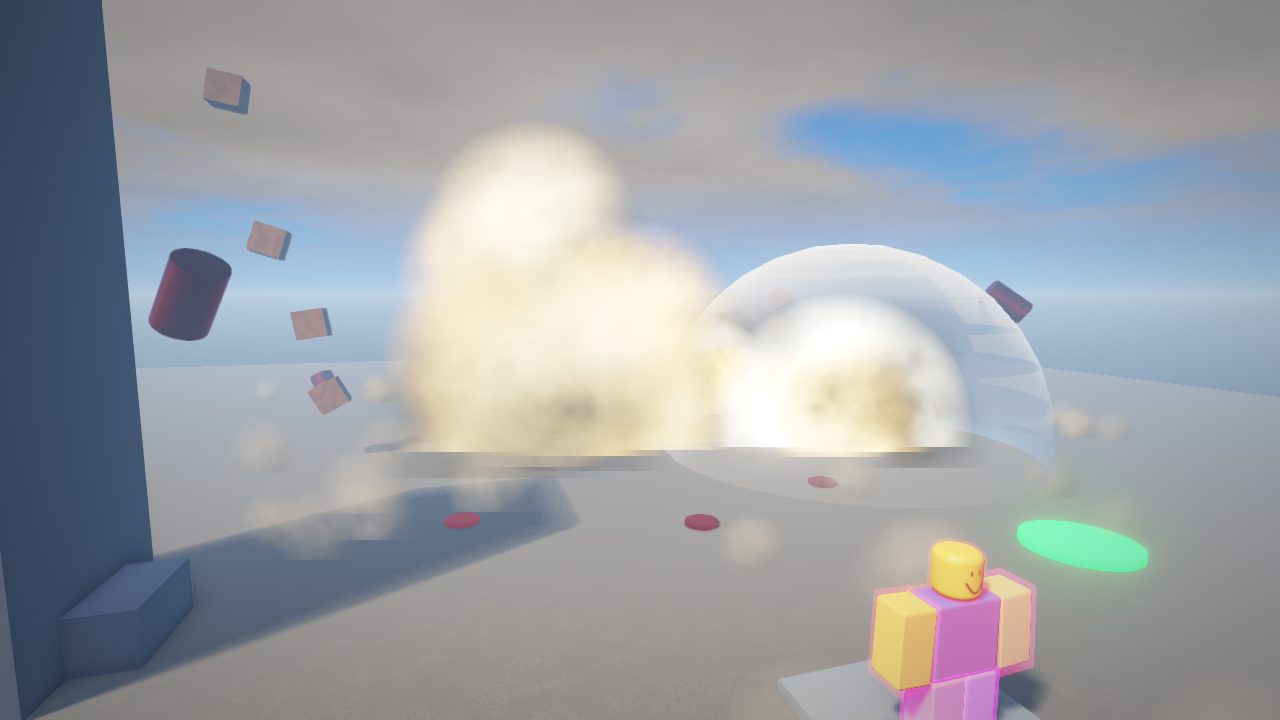
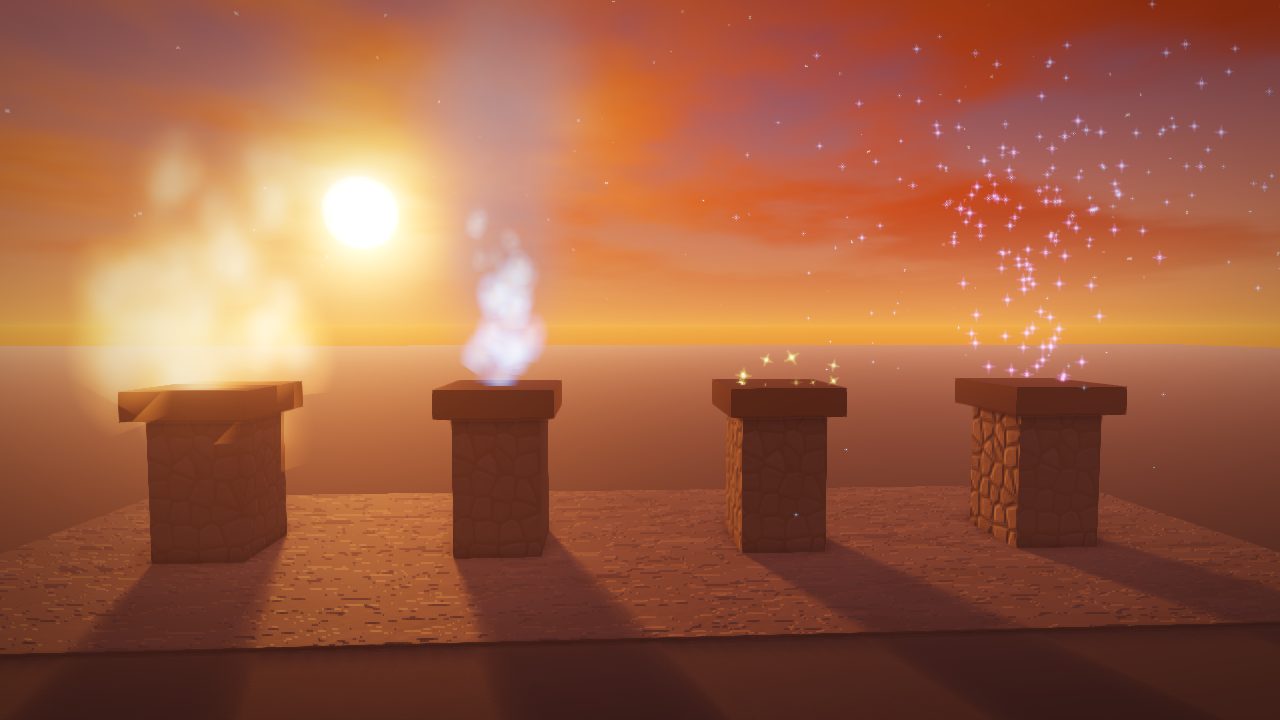
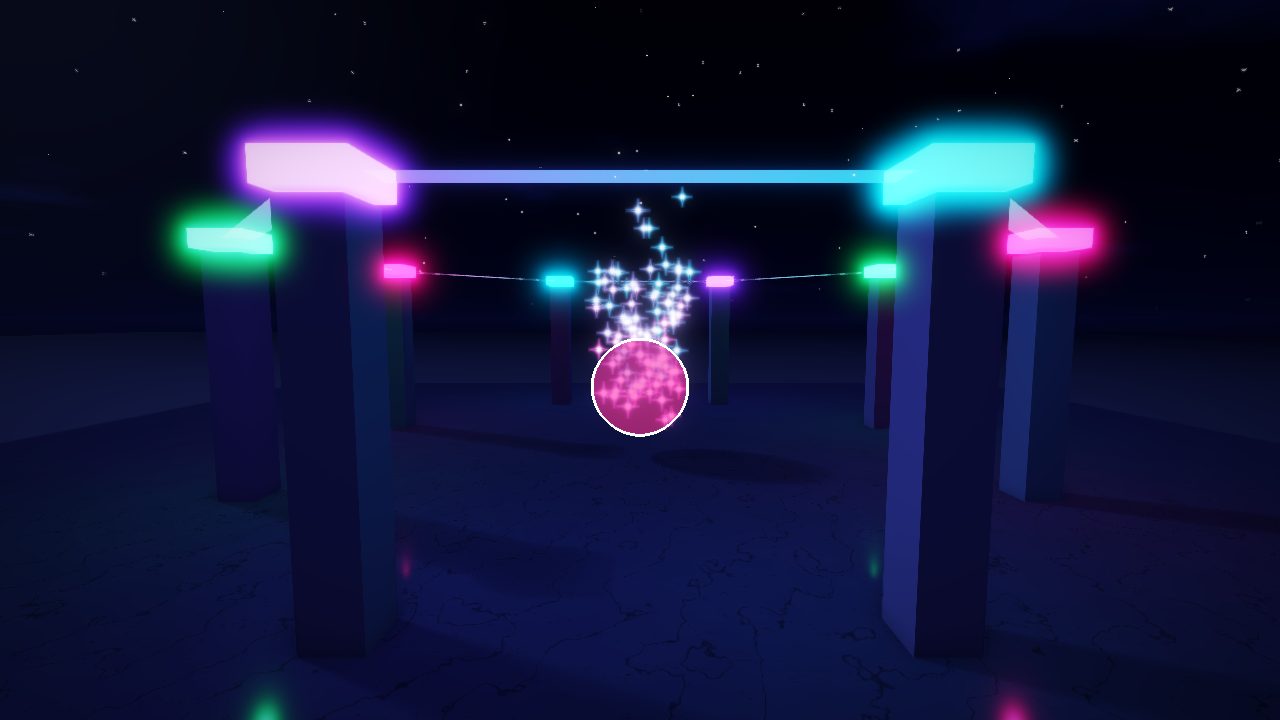
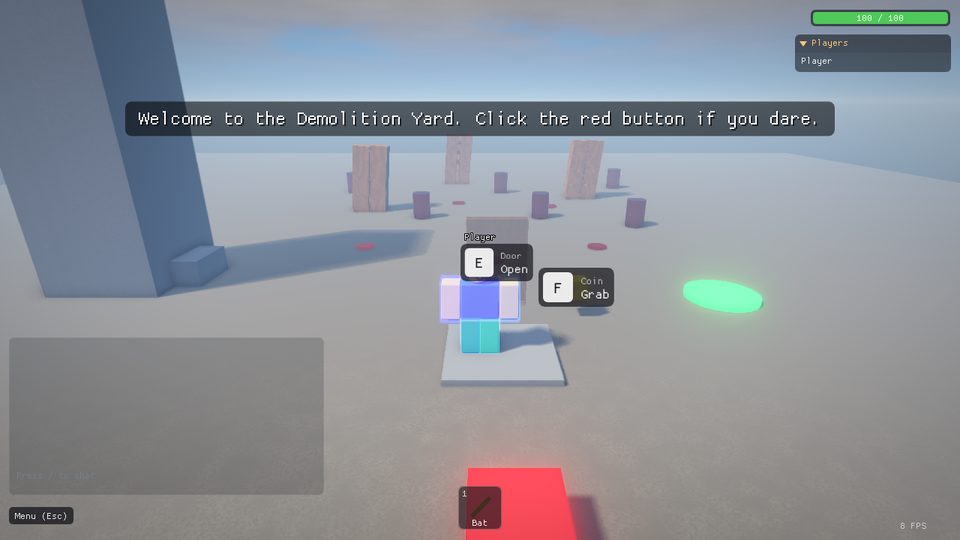
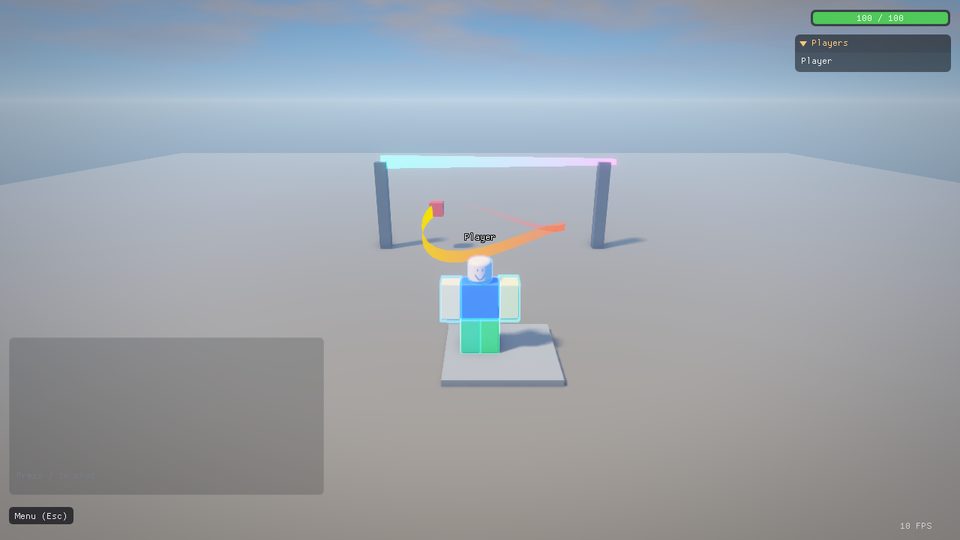
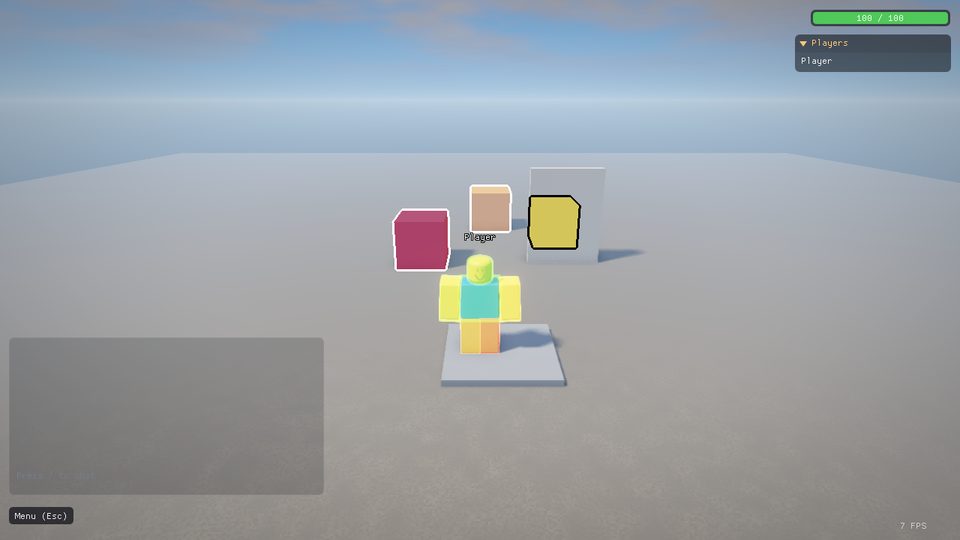
Everything below is running in the real engine. These pictures are straight out of the Player, no touch-ups.
Blow it all up
Explosions send a shockwave racing outwards that breaks joints, flings loose parts and knocks players over.
- Fireballs that roll up into smoke and mushroom clouds
- Happy-Wheels-style ragdolls: limbs come off, oil and bolts fly (you can turn gore down or off)
- Bombs in water leave a crater and a column of spray
- One line of Lua:
Explode(position, radius, power)
Particles and fire NEW
Drop a ParticleEmitter, Fire, Smoke or Sparkles into any part and it starts spraying.
- Rate, colour and size over time, speed, spread, gravity and drag
- Glowing particles with LightEmission
Emit(50)for a one-off burst- Plus Trails behind swords, Beams between two points, and Highlights that outline anything
Light it up NEW
Set the time of day, the sun, the fog and the clouds, then finish the look with screen effects.
- Bloom, blur, colour grading, sun rays and depth of field
- Your own Sky with stars, sun and moon
- Point lights, spot lights and glowing Neon
- Real shadows and reflections
Terrain and water
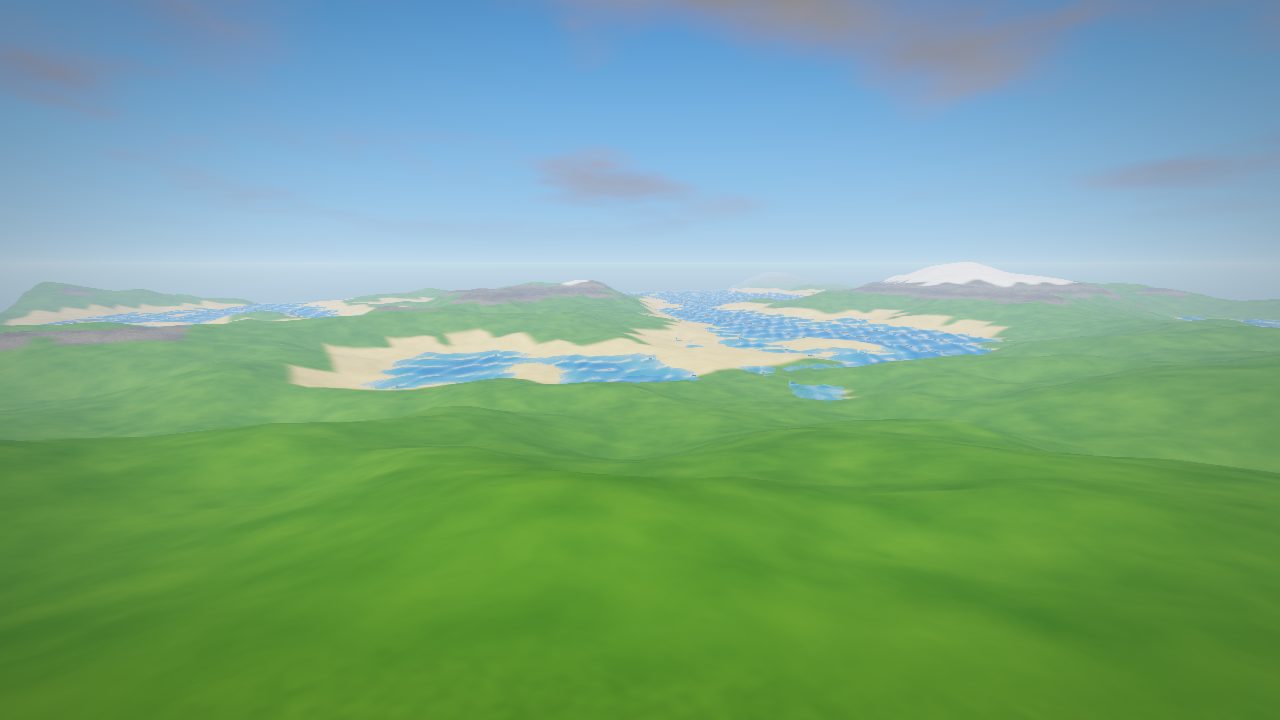
Generate rolling hills in one click, then Raise, Lower, Smooth, Flatten and Paint them with brushes.
- Grass, dirt, sand, rock, snow and mud
- Characters walk up slopes and loose parts roll down them
- Water with waves that pushes and floats things, so boats work
- Scripts can sculpt it too:
workspace.Terrain:FillBall(...)
Real physics, 18 materials
Every material has its own look, weight, grip and bounce. Ice is slippery, Brick is grippy, Metal is heavy.
- Ropes, springs, hinges, motors, welds, ball sockets and sliders
- Classic BodyMovers like BodyVelocity and BodyGyro
- Collision groups so team doors let only one team through
- Union, Negate and Intersect to carve your own shapes
And all of this too
- Classic blocky characters with idle, walk, run, jump and fall
- Emotes and an emote wheel
- Seats, sitting and tools held the classic way
- NPCs that walk with navmesh pathfinding
- Frames, buttons, text boxes and scrolling lists
- List and grid layouts, drop shadows, frosted glass
- Little 3D worlds inside UI
- ProximityPrompts: walk up and press E
- Scripts, LocalScripts and ModuleScripts
- RemoteEvents and RemoteFunctions
- TweenService, raycasts, DataStores saved online
- TeleportService and MessagingService
- Upload your own sounds
- Sound groups to turn sets up or down
- Echo, reverb, chorus and distortion
- 3D sound that fades with distance
- Keyboard and mouse
- Xbox, PlayStation and Switch controllers
- Touch controls on Android
- Games can bind their own keys and buttons
- Cutscenes and scripted cameras
- Locked first person and zoom limits
- Orthographic camera for 2D and isometric games
- Camera shake
Lua scripting, the way you already know it
-- A door that opens when you walk up and press E.
local door = script.Parent
local prompt = Instance.new("ProximityPrompt")
prompt.ActionText = "Open"
prompt.Parent = door

prompt.Triggered:Connect(function(player)
    door.Transparency = 0.8
    door.CanCollide = false
    task.wait(3)
    door.Transparency = 0
    door.CanCollide = true
end)

-- And when things get boring:
Explode(door.Position, 12, 2)
If you've scripted on Roblox, you already know how. Guts&Bolts uses the same Luau language and the same names: Instance.new, Touched, leaderstats, Humanoid, TweenService and the rest.
- Type checking,
+=,continueand{name}strings - A script editor with autocomplete, line numbers and the error line marked
- A Developer Console (F9) in every game
requiremodels straight from the Library- Game passes and developer products to sell in your game
Make your own with Studio
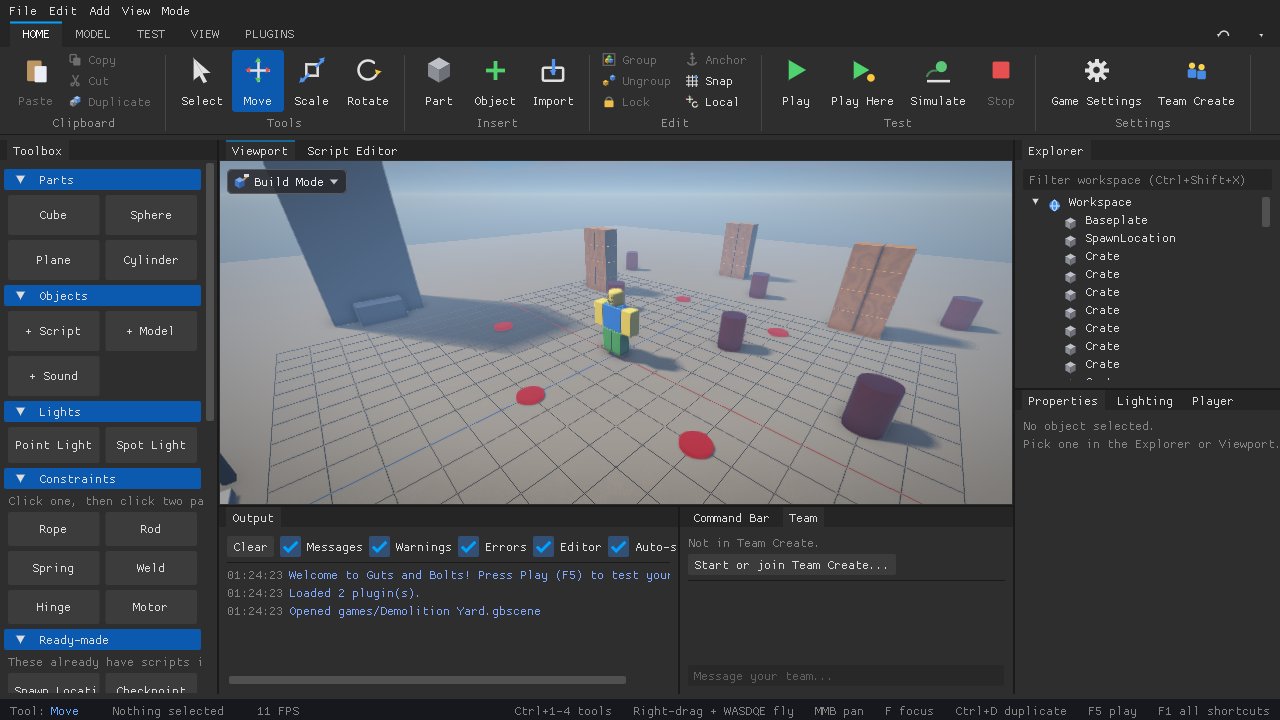
Studio comes in the same download. It looks and works like the Studio you know: Explorer, Properties, Toolbox and a ribbon of tools.
- Press Play to test straight away, or test with 2, 3 or 4 players on your own computer
- Build with friends in Team Create
- Terrain tools, an Animation Editor and Modeling mode
- Ready-made pieces: spawns, checkpoints, jump pads, bombs, a nuke
- Open and save Roblox .rbxl and .rbxm files, hats included
- Plugins, and a Library full of models, decals and sounds
- Publish in one click and everyone can play it
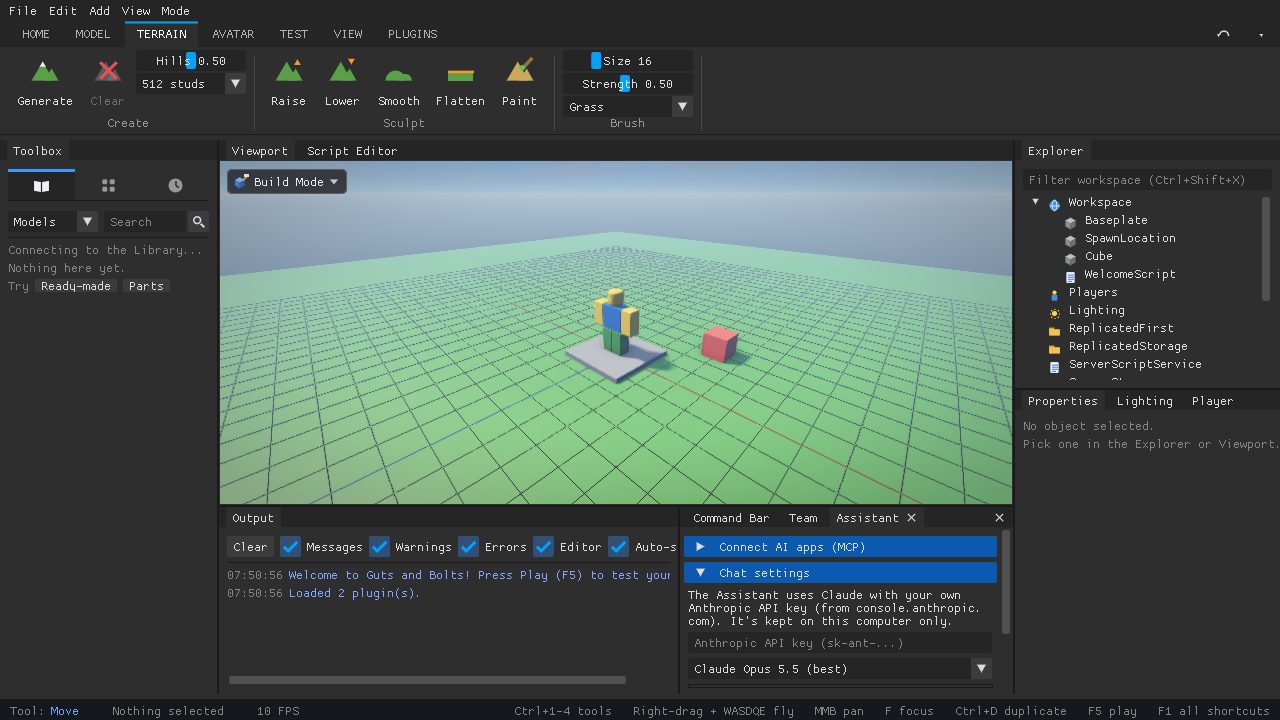
An AI helper that knows Studio
The Assistant tab can build, fix and explain things for you. Ask "why won't my barrel fall?" and it looks.
You can also connect outside AI apps (like Claude Desktop or Claude Code) over MCP. They can see your game, add and change objects, write scripts, run playtests and roll back if something goes wrong.
Play together
- Hold V to talk, or open mic
- Voices come from each character and fade with distance
- Mute anyone from the player list
- Public and private servers, no IP addresses to share
- Games keep running when the host leaves
- Teleport between games with your data
- Windows, Mac and Linux
- Android with touch controls
- VR headsets, and Meta Quest with no PC
- Controllers on every computer
The site: in the app and on the web
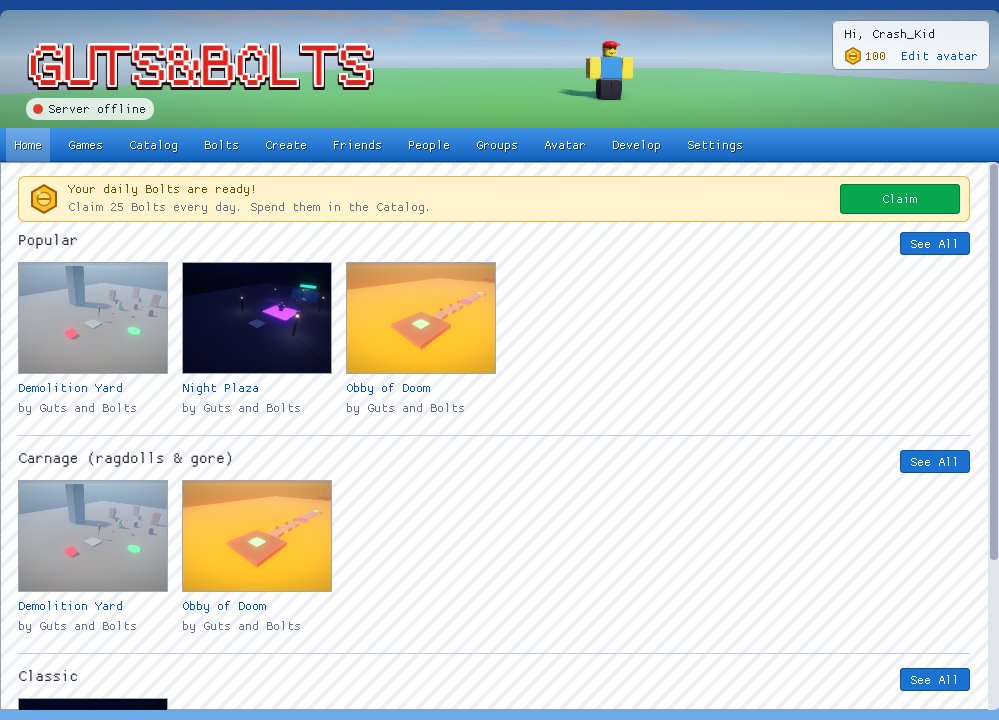
The Guts&Bolts Player feels like the classic 2011 site, and you can use it right here in your browser too: sign in and look around.
- Catalog: hats, shirts, pants, faces, gear and emotes, paid for with Bolts you earn by playing
- Limiteds and trading, plus gifts for friends and surprise gift boxes
- Friends, messages, groups and a forum
- Groups that own games, with their own ranks and payouts
- Creator stats: plays, likes and sales with charts
- Lyreto servers on game and group pages for chatting outside the game
- Always online: your account, Bolts and games live in the cloud
Games that come with it
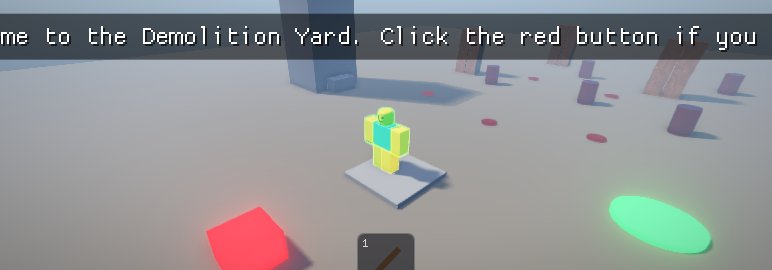
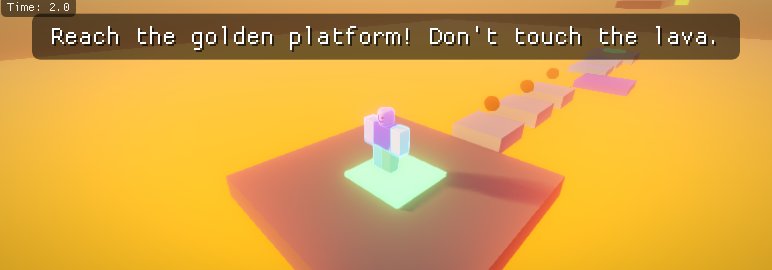
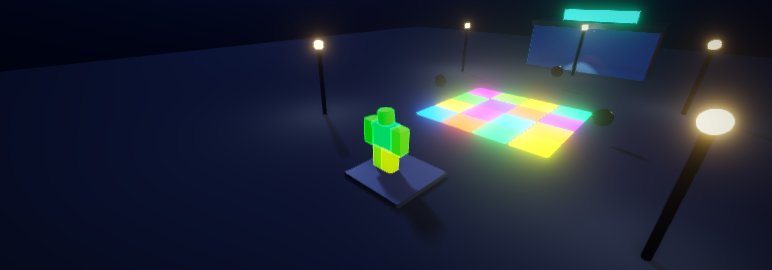
Download Guts&Bolts 6 PLATFORMS
Guts&Bolts is free on six platforms. Five downloads are available now, and the iOS Player is in development. Computer downloads include both the Player and Studio.
Have a Mac? Build it yourself for free
It keeps itself up to date, so you only download it once.
Questions
Is it really free?
Yes. The apps, Studio and the online platform are free. Bolts (the money in the catalog) are earned by playing.
Who is it for?
Adults (18+). Expect strong language, crude humour and cartoon gore. Gore can be turned down or off in the settings.
Can I bring my Roblox builds?
Yes. Studio opens and saves .rbxl and .rbxm places and models, and Roblox hats come in with their real mesh and texture. Scripts use the same names, so most of them only need small changes.
Do I need to keep updating it?
No. The Player and Studio update themselves when you open them.
Is it made by Roblox?
No. Guts&Bolts is a free, independent hobby project and isn't connected to Roblox Corporation.